About the experience
What can I expect from the event?
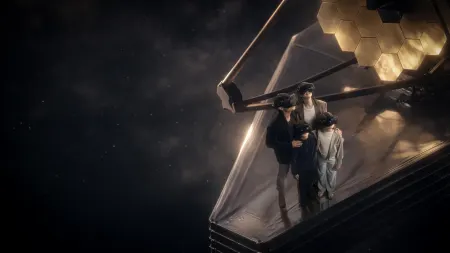
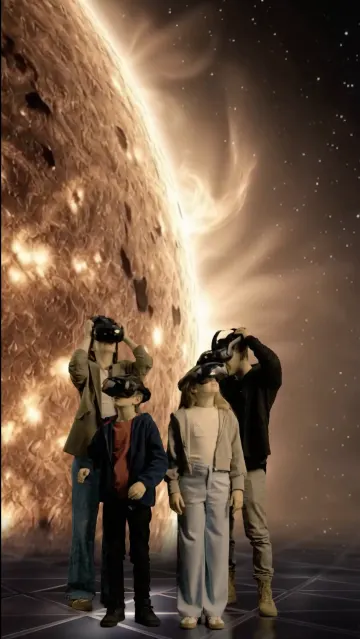
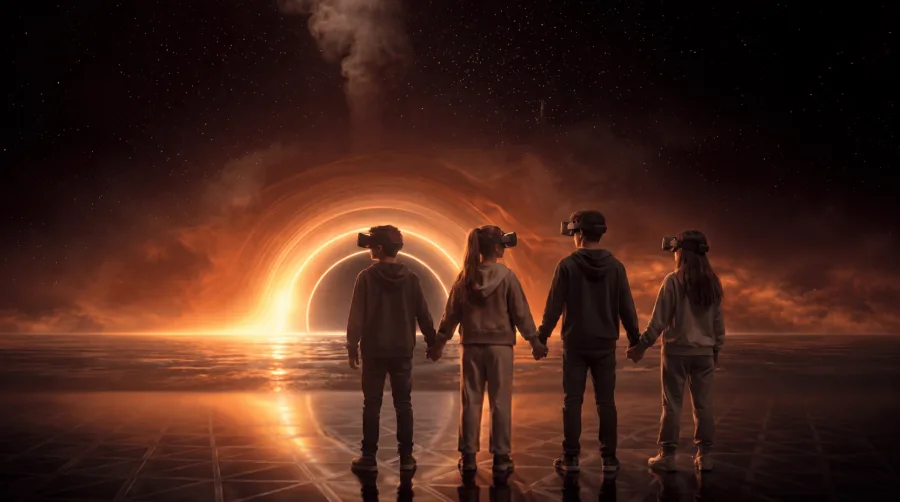
Starstruck is a 40-minute, shared virtual reality experience in which groups of up to 4 guests explore the cosmos together. Each participant wears a lightweight, wireless VR headset that presents a fully three-dimensional digital universe. As guests move freely within a physical room, the visuals respond, creating the sensation of walking among the stars.
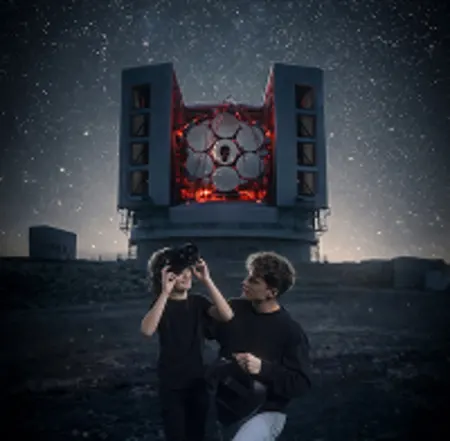
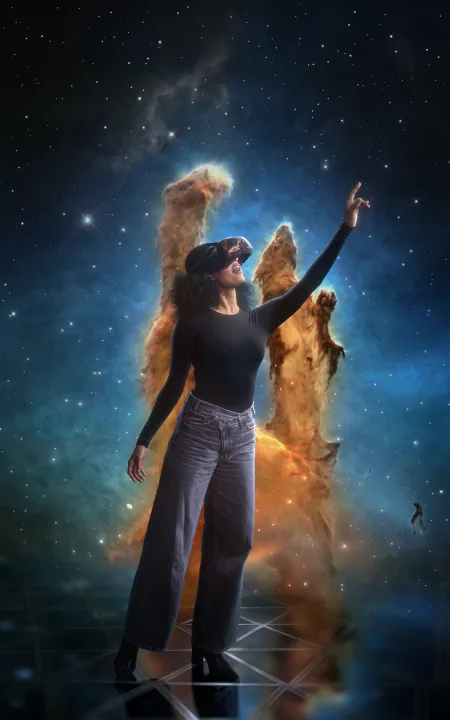
Guided by a virtual host named Astro, the journey begins at the Fred Lawrence Whipple Observatory and travels to stars, exoplanets, the Pillars of Creation, a black hole, and more. Visitors interact with one another as digital avatars, reinforcing the shared, social nature of the experience. Built-in motion tracking and visual boundaries within the headset help ensure guests’ safety.
Starstruck was developed by the Smithsonian Astrophysical Observatory (SAO) and Fever, with Smithsonian Enterprises overseeing the collaboration. Content experts from SAO provided scientific oversight throughout the development. Visuals and narratives are informed by data from the National Aeronautics and Space Administration (NASA), the European Space Agency (ESA), the Hubble Space Telescope, the James Webb Space Telescope, the Chandra X-ray Observatory and SAO research.
Where is the experience located?
Fever Hub Madrid | Experiencias Inmersivas, C. de Raimundo Fernández Villaverde, 57, Tetuán, 28003 Madrid. Entry between Orense 3 and Orense 5.
Does the experience take place in an indoor or outdoor venue?
This experience is held indoors in an air-conditioned venue
How long does the experience last?
The core experience lasts approximately 40 minutes. Guests should plan for additional time for check‑in, orientation, and headset fitting.
How many people can take part in the experience in the same group?
A group can include up to 4 visitors, additional groups can depart approximately every three minutes.
Will food and beverage be available on-site for purchase?
A limited selection of snacks and soft drinks will be available for purchase at this event.
Will there be merchandise for sale?
Yes, a shop will be available on-site, along with an AI Photo Booth where guests can purchase photos of themselves transformed into space-inspired scenes, like holding a galaxy or posing with a supernova or black hole.
Is there parking available?
The venue does not have private parking, but there are several car parks nearby and very good public transport links.
Is there Virtual Reality?
Yes, the experience uses wireless, free-roam VR headsets with real-time motion tracking. Guests’ physical movements, gestures, and positioning are mirrored in the virtual environment, enabling natural, intuitive exploration. The system supports shared experiences with up to 6 participants, and includes interactive elements that allow guests to engage directly with the environment and narrative.
Is there a dress code?
We recommend dressing comfortably and wearing suitable shoes. Please refrain from wearing hats or caps because you will wear a VR headset.
For everyone's safety, we kindly ask you to store your backpacks and handbags in the lockers provided on-site.
What is the recommended age for children to attend?
Due to the fit of the headset and for the safety of all participants, children aged 10+ are welcome.
Can I drop off my children?
All children (ages 10 - 17) must be accompanied by an adult.
Are lockers or a coat check available?
Yes, there are lockers available on-site to store your belongings, including light coats. These lockers are provided free of charge.
Is there a bag policy?
For everyone's safety, we kindly ask you to store all backpacks and handbags in the lockers provided on-site. Personal backpacks (even small ones) are not permitted during the experience.
About tickets
Can I purchase tickets at the door?
We have a box office on-site. We highly recommend booking tickets in advance in order to guarantee a spot. You can purchase tickets in the Fever App or on the Fever website. Can I transfer my tickets to another person?
Yes, you can transfer your tickets to anyone for free. Select "Transfer Tickets" on your ticket in the Fever App. Please contact us if you need additional help. Make sure to include your ticket order number. Do I need to print my ticket?
No, we can scan your ticket electronically on your phone. You can find your ticket in the "Tickets" section of the Fever app (you can download it from the Apple App Store or Google Play). Please remember to log in with the same login method used to make the purchase. You will also find your QR code in your purchase confirmation email. I can't find my ticket. What should I do?
You can view your ticket in the Fever app, within the Tickets section. If you don't have the app installed, you can download it from the Apple App Store or Google Play. Remember to log in using the same account that you used when buying the tickets. If you still cannot find your ticket, please contact us. Can I change the date of my ticket?
This experience allows date changes up to 48 hours in advance. If you would like to make the change, please contact us and include the ticket ID associated with your purchase. You can also check if this option is available by consulting your ticket in the "Tickets" section of the Fever App where, if enabled, the "Change date and/or time" button will appear. Follow the steps indicated in the link to change the date and/or time of the ticket. For more information, you can consult our T&Cs. Can I get a gift voucher?
Yes, visit our website’s gift card section here, you can buy a gift card online which can be used for the experience. Can I make a group booking?
Yes, for groups of 19 guests or fewer, book your Group Bundle tickets directly on the ticketing page here. For groups of 20 or more guests, please visit our dedicated Group Visits & Private Events page here. For groups of more than 40 guests, contact us here to receive a personalized proposal Can I come back a second time for free?
No, tickets for the experience are valid for a one-time entry.
Do you offer press passes?
If you would like a press pass, please email press@feverup.com.
All press inquiries about the Smithsonian should be directed to the Smithsonian Office of Public Affairs. Reporters can email: smithsonianmedia@si.edu About access to the event
When should I arrive for my scheduled session?
We recommend arriving 15 minutes before the time stated on your ticket. If you miss your check-in time, you should speak to a staff member when you arrive for assistance. We will accommodate you as soon as possible.
What are the closest stations? What's the best public transportation?
The closest metro stations to Calle Orense 3 are Nuevos Ministerios about a 5-minute walk away, and Santiago Bernabéu (line 10), about a 7-minute walk away. In addition, several bus lines (such as 3, 5, 43, and 126) stop very close by, just a 1-3 minute walk away, with the Orense-San Germán stop being particularly convenient, just 1 minute away.
Can I bring animals? Are service dogs allowed?
Trained service animals that perform tasks related to their handler’s disability are welcome. Pets and other non-service animals are not permitted.
Is the venue accessible?
Yes, the event is held in a wheelchair accessible venue and includes accessible entrances and exits, restrooms, point of sales, seating areas, and accessible routes throughout the space. If you would like to use our wheelchair onsite, please speak to a member of Staff.
Can virtual reality be uncomfortable or unsuitable for some guests?
Virtual reality is designed to be immersive and enjoyable, but some individuals may experience discomfort while using a VR headset. The experience may not be suitable for guests with claustrophobia or vertigo.
Guests prone to motion sickness may experience symptoms such as dizziness, nausea, or drowsiness during or after the experience.
Can guests with heart conditions or epilepsy participate?
No, unfortunately people with a heart condition, an implanted medical device or epilepsy cannot take part in our immersive virtual reality expedition.
Is the experience safe during pregnancy?
Some individuals may be more susceptible to dizziness or fainting during pregnancy, and the experience takes place on a hard walking surface throughout. For these reasons, we do not generally recommend the experience for pregnant guests. The VR content itself is not known to cause harm during pregnancy. Guests who choose to participate while pregnant should consult their doctor beforehand.
Can I participate while carrying a baby or using a stroller?
No, the VR headset blocks visibility of the surrounding environment, the experience is not compatible with baby carriers or strollers.
If you are attending as part of a group, our staff can help stagger entry times so that a guardian remains with the child at all times.
How do I avoid bumping into walls and other people during the experience?
The experience includes built-in visual safety cues to help you navigate your space. Walls and columns will appear as red mesh grids. If you see them, simply step away to maintain a safe distance.
All guests appear as translucent, starry avatars. Members of your group will have their names displayed above their avatars, while other guests will appear without names.
If you notice a red bubble around a guest’s avatar, it means they’ve requested extra space. Please give them additional room.
What are the prohibited items at the experience?
Anything which may disturb the other visitors such as flash photography or alcohol are not allowed in the experience. For the safety of all guests, firearms, knives, mace, or any item that could be used to inflict harm are prohibited in our venues. Firearms
are not allowed despite carry permits or licenses, including for off-duty law enforcement.
Do you offer caregiver or companion tickets?
Yes, guests who require assistance throughout the experience may request one complimentary ticket for a personal assistant, caregiver, or support worker at the venue entrance.
Is the experience accessible for guests who are deaf, blind, or have other disabilities?
Developed in collaboration with the Smithsonian Office of Visitor Accessibility, the experience includes a range of accessibility features, including:
● Closed captions
● Audio descriptions
● Assistive listening devices (subject to onsite stock availability) ● Wheelchair-optimized viewing mode
● Optional “extra space” setting (adds a visible red bubble around your so other guests keep a comfortable distance)
● Complimentary companion tickets
Guests may bring a companion or request assistance from our staff.
Is it possible to wear eyeglasses?
Yes, our staff are on hand to show guests how to position the headset correctly.
Note to any visitors wearing prescription glasses: we advise using standard, single focus glasses, as other types such as varifocals may lower the overall viewing experience.
I wear hearing aids. Can I still participate?
Yes, the VR headset uses small speakers that emit sound over the ears, allowing many guests with hearing aids to comfortably hear the experience audio.
Will there be strobe lights?
No, this experience does not include strobe lighting effects.
Are there chairs available? Can I remain seated during the experience?
The default experience is designed as a walkthrough experience and does not include seating within the virtual environment. The expedition is optimized to ensure that individuals using wheeled mobility devices can use their devices throughout the experience. Mobility aids (such as wheelchairs) are available free of charge, subject to availability.
Benches are available in the lobby before and after the experience for your comfort. If at any point during the experience you would like to pause or take a break, simply raise your hand and a member of our staff will be happy to assist you.
Do you offer a guided or audio-guided visit?
The experience includes a built-in virtual reality guide named Astro, an interactive avatar companion, who accompanies you throughout the experience. Staff members are also available on-site to assist at any time.
For guests who require additional support, audio descriptions are available. This feature provides spoken narration about the surrounding environment and key visual moments throughout the experience.
Does the experience accommodate wheelchairs and other mobility aids?
Yes, during headset setup, guests can select either a “Wheelchair” or “Extra Space” option to personalize the experience for their mobility needs. The “Wheelchair” option optimizes the experience for seated viewing. The “Extra Space” option provides additional room around a guest’s avatar to accommodate mobility aids such as canes, walkers, crutches, and similar devices.
Will restrooms be available on-site?
Yes, restrooms are available within the venue for your convenience. Please ask our staff if you are unable to locate them.
Can I take photos or record the experience?
We invite guests to take photos and videos for personal use only and tag us at @starstruckexperience / @fever_global. Please note, the use of flashes and tripods are strictly prohibited. Press photography (and any other photography for professional use) must be authorized by a staff member.
Is there a Lost & Found?
Please ask the staff if you have misplaced your belongings as soon as possible.



 3D walkthrough
  Grounded in
 Made for All


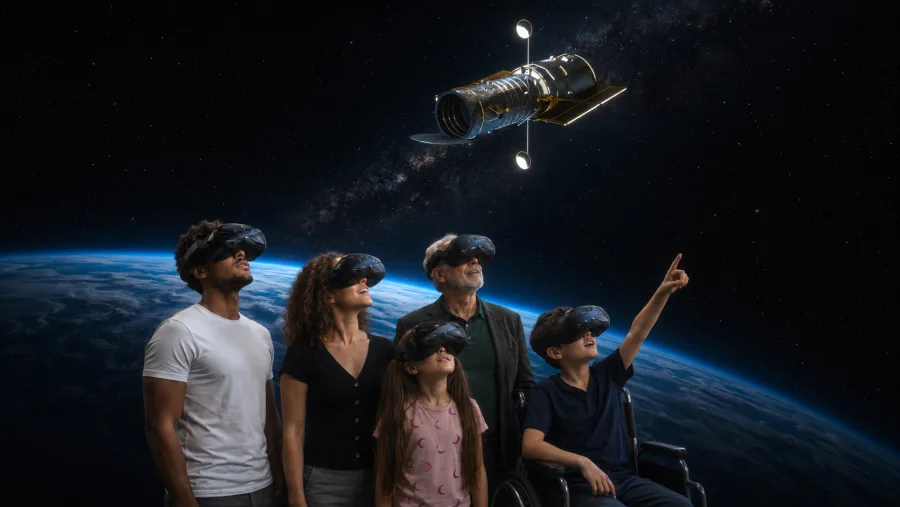
 School Groups
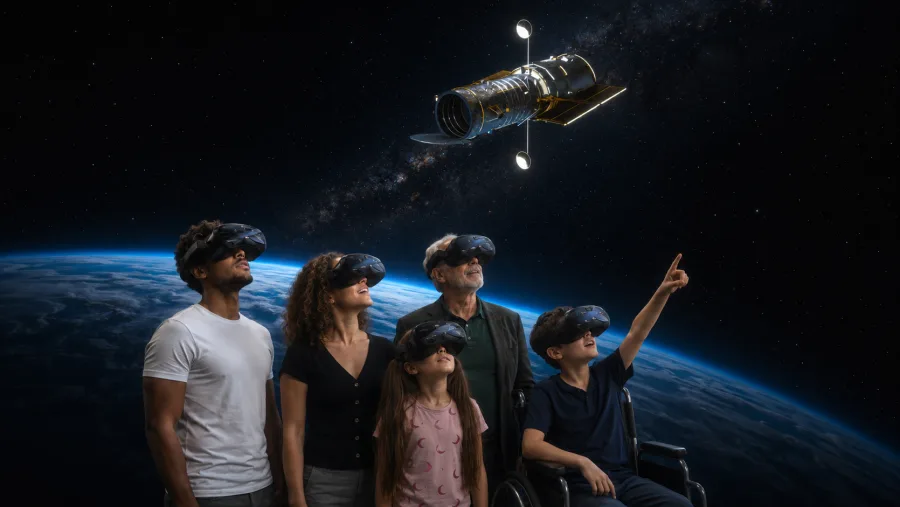 Large Groups
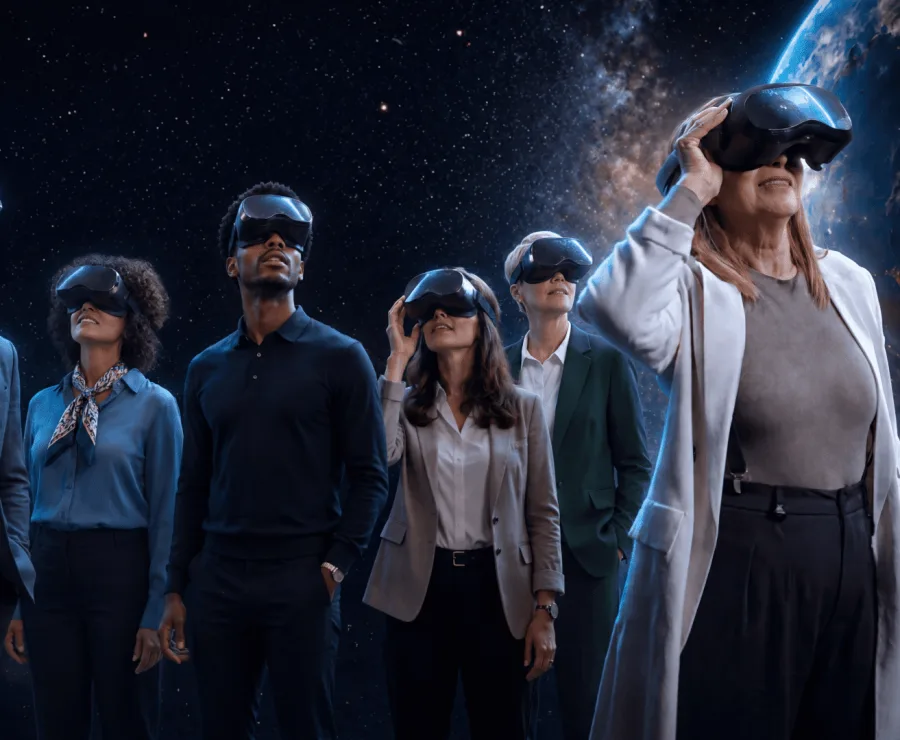 Team Building
 Birthday Celebrations